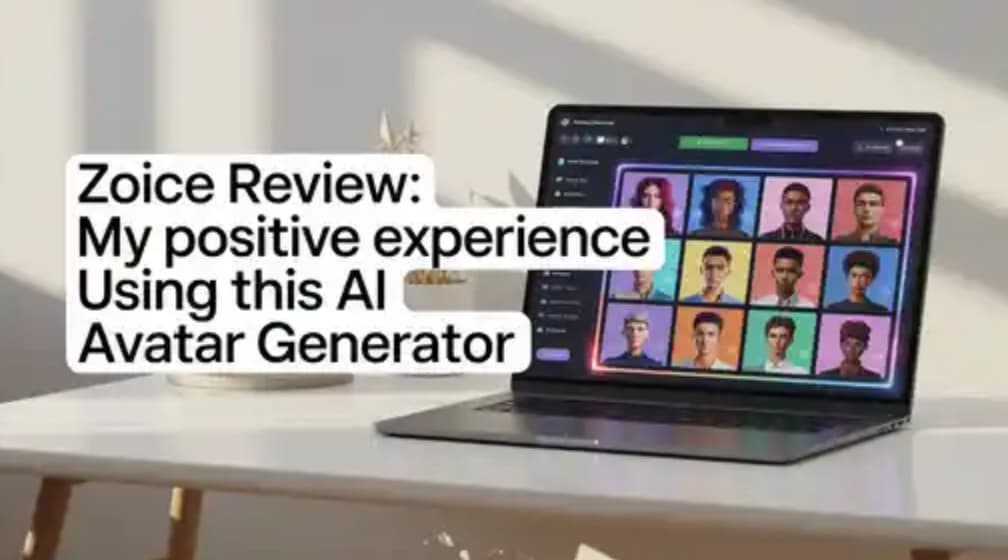
Zoice Review: My Positive Experience Using This AI Avatar Generator

Zoice Review: My Positive Experience Using This AI Avatar Generator
I’ve worked with several AI video tools while creating content for marketing and automation, and I’m usually pretty critical when testing them. Most tools promise realism and speed, but only a few actually deliver both.
After spending time with Zoice, I can confidently say it’s one of the more practical and reliable AI avatar generators I’ve used. It doesn’t try to overcomplicate things, and that’s exactly why it works so well.
First Impressions: Clean, Fast, and Beginner-Friendly
Right from the start, Zoice feels easy to use.
There’s no cluttered interface or confusing setup. Everything is laid out in a way that makes sense, even if you’ve never used an AI video tool before.
My initial workflow was simple:
- Add script
- Select avatar
- Choose voice
- Generate video
Within minutes, I had a polished video ready to use. That first experience alone gave me a strong impression of the platform.
AI Avatar Quality: Better Than Expected
One of the biggest reasons I liked Zoice is the quality of its avatars.
From my experience:
- Lip sync is smooth and convincing
- Facial expressions feel natural
- Eye movement adds realism
It doesn’t feel like a stiff, robotic avatar reading a script. Instead, it comes across as a professional digital presenter, which is exactly what most creators and businesses need.
For platforms like YouTube, ads, or social media, the quality is more than sufficient and often impressive.
Creating Videos: Fast and Effortless
What really stood out during my usage was how quickly I could create videos.
I tested multiple scripts, including:
- Marketing content
- Educational snippets
- Social media videos
Each time, the process stayed consistent and smooth.
What I appreciated most:
- No need for recording or editing
- Output is ready almost instantly
- Consistent results across videos
This kind of speed makes a huge difference if you’re producing content regularly.
Custom AI Avatars: A Huge Advantage
The custom avatar feature is one of Zoice’s strongest points.
Being able to create a digital version of yourself or a brand representative opens up a lot of possibilities.
From my perspective, this is especially useful for:
- Personal branding
- Agency work
- Consistent brand identity
- Scaling content without appearing on camera
Once set up, it becomes incredibly convenient to reuse your avatar across multiple videos.
Voice and Language Support
Another thing I found useful is the flexibility in voice options.
You can choose from different voices and styles depending on your content. This helps match the tone of your video, whether it’s professional, casual, or promotional.
It also makes Zoice suitable for reaching different audiences without extra effort.
Performance and Workflow Efficiency
If there’s one area where Zoice clearly shines, it’s efficiency.
Before using it, creating videos meant:
- Recording multiple takes
- Editing footage
- Fixing audio
- Spending hours on one video
With Zoice:
- Write script
- Generate video
- Done
This shift alone can save a significant amount of time, especially for creators and marketers working at scale.
Pricing: Good Value for Creators and Businesses
Zoice offers flexible pricing options:
- Free Plan: $0/month (50 credits/day)
- Starter: $7.99/month
- Basic: $29.99/month
- Creator: $49.99/month
- Agency: $89.99/month
From what I’ve seen, the pricing is fair considering the time and effort it saves. Even the lower plans are enough to get started and see real results.
Who Should Use Zoice?
Based on my experience, Zoice is a great fit for:
- Content creators scaling video production
- Marketers creating ads and campaigns
- Agencies handling multiple clients
- Educators producing quick lessons
- Businesses looking for consistent video output
It’s especially useful if you want to avoid being on camera while still maintaining a professional presence.
Final Verdict: A Practical and Reliable AI Avatar Tool
After using Zoice for multiple videos, my overall experience has been very positive.
What makes it stand out is not just the technology, but how usable it is in real scenarios. It helps you go from idea to finished video quickly, without unnecessary complexity.
If your goal is to:
- Create videos faster
- Maintain consistency
- Scale content production
Then Zoice is definitely worth trying.
It’s one of those tools that you can actually integrate into your workflow without friction, and that’s what makes it valuable.
FAQs
1. Is Zoice easy to use for beginners?
Yes, it’s very beginner-friendly and requires no technical skills.
2. How realistic are Zoice avatars?
They are quite realistic, especially for marketing and social media content.
3. Can I create a custom avatar?
Yes, Zoice allows you to create personalized avatars.
4. Is Zoice good for content scaling?
Yes, it’s excellent for producing multiple videos quickly.
5. Is the free plan useful?
Yes, it’s a great way to test the platform before upgrading.